For life-threatening emergencies, call 911 immediately. For after-hours common area emergencies, please contact the emergency line.
Maintenance Request Guide
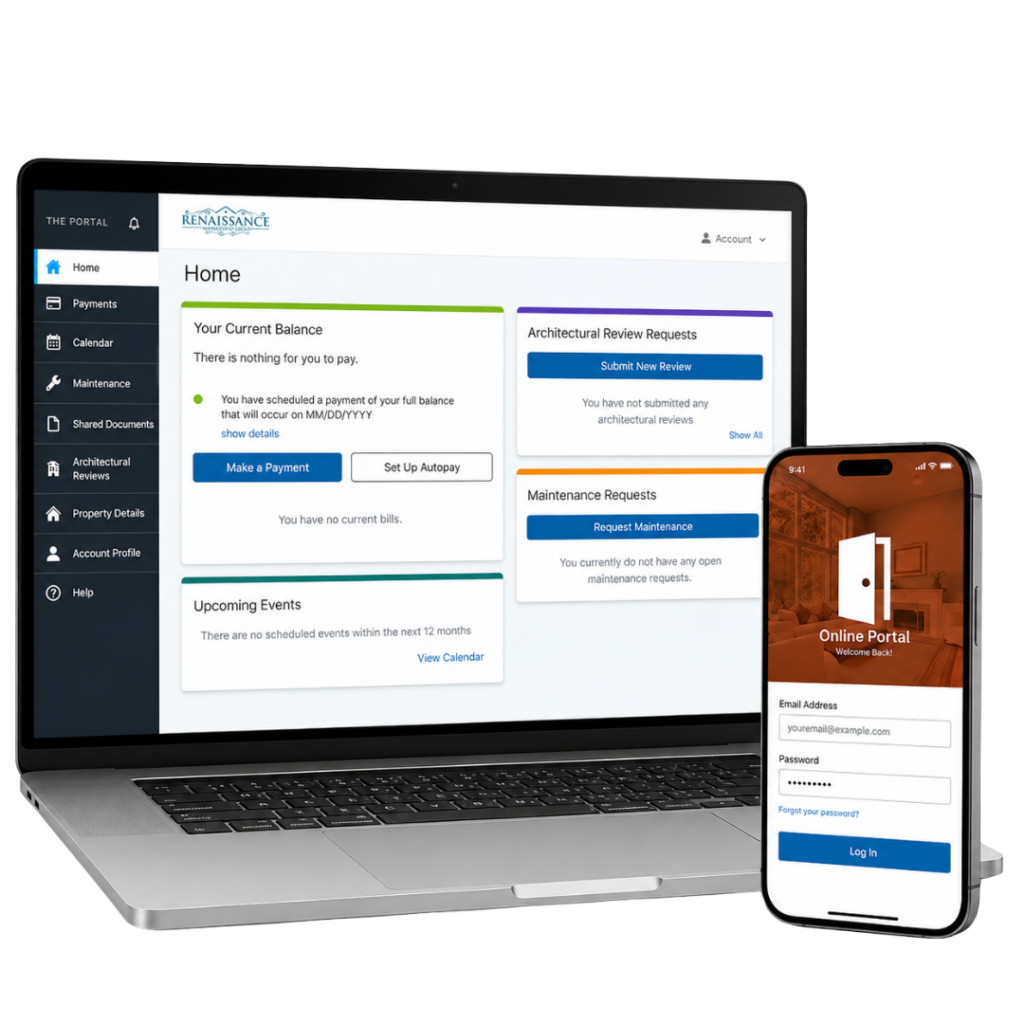
Please review the steps below before submitting a work order through the Owner Portal. All maintenance requests must be properly documented, reviewed, assigned, tracked, and updated.
A work order is a formal maintenance request submitted to Renaissance Management Group for review. Once submitted, management can review the issue, determine whether it is an Association responsibility, and coordinate the next step if needed.
Examples of work orders may include:
Common area lighting issues
Landscaping concerns in Association-maintained areas
Roof or exterior building concerns, depending on the Association documents
Pool or amenity issues
Irrigation or common area water issues
Trip hazards or safety concerns in shared areas
Building exterior concerns
What May Be Homeowner Responsibility?
Some repairs are the responsibility of the unit owner or homeowner and should not be submitted as Association work orders unless the issue may involve a common element or Association-maintained area.
Homeowner responsibility may include:
Interior repairs inside the unit/home
Appliances
Interior plumbing fixtures
Interior electrical fixtures
Air conditioning maintenance, unless documents state otherwise
Owner-installed improvements
Pest control inside the unit/home
Flooring, cabinets, countertops, doors, and interior finishes
Damage caused by owner, tenant, guest, or vendor
Items not maintained by the Association under the governing documents
Responsibility can vary by community. If you are unsure, submit the request through the portal with clear photos and a description for review.
Emergency vs Non-Emergency
For life-threatening emergencies, call 911 immediately. For after-hours common area emergencies, please call the emergency line. Non-emergency maintenance requests should be submitted through the Owner Portal so they can be documented, reviewed, assigned, and tracked properly.
Emergency
Major active water intrusion affecting common areas
Dangerous electrical issue in a common area
Major safety hazard
Fire or smoke
Building access/security emergency
Non-Emergency
Landscaping concerns
Routine lighting issues
General common area repairs
Pool or amenity concerns
General repair requests
For emergencies, call 911 immediately.
For non-emergency maintenance requests, please use the secure Owner Portal so your request can be reviewed and tracked properly.